Photos · 5 min read
Product mockups vs product photos: which do you need?
What product mockups and product photos are, when each makes sense for your store, ads and marketplaces, what they cost and how to use both honestly and well.
Published
Every online store needs images, and there are two common ways to get them. You can create mockups, where your design is placed digitally onto a realistic template, or you can use product photos, which show the real item you sell. Both have a place. Choosing the wrong one at the wrong time costs money or trust.
This guide explains the difference, when each makes sense and how to use both honestly.
What a product mockup is
A mockup is a realistic digital template, for example a t-shirt, a box, a bottle, a phone or a living room scene, with your artwork placed on it. A designer adjusts perspective, lighting and shadows so the result looks natural.
Mockups are fast and cheap because nothing needs to be made, shipped or photographed. That makes them ideal when:
- You are testing a design before ordering stock.
- You sell print on demand products that are printed after each order.
- You want to show a brand on packaging, apparel and devices for a pitch or launch page.
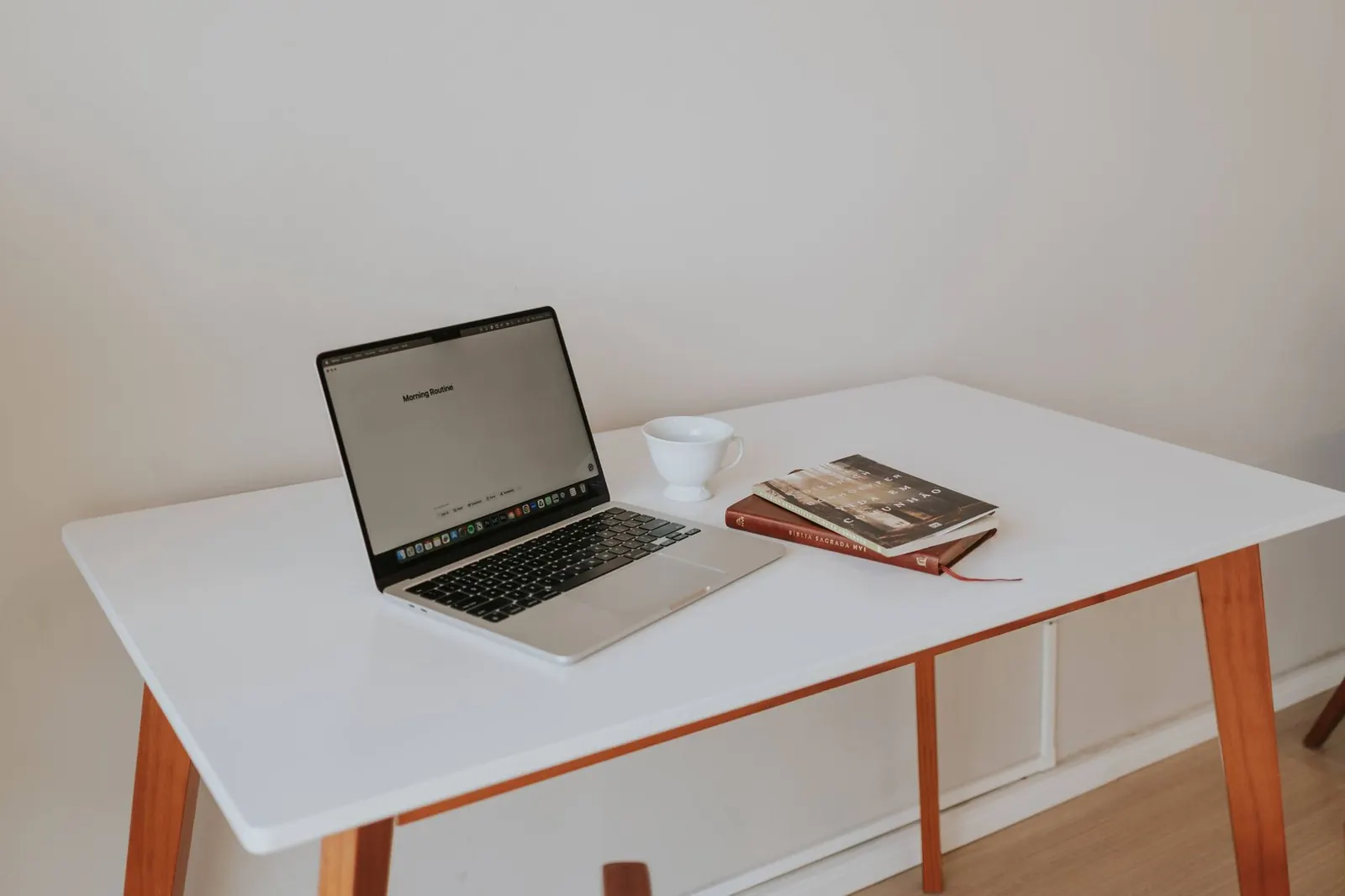
- You need clean device shots of an app or website.
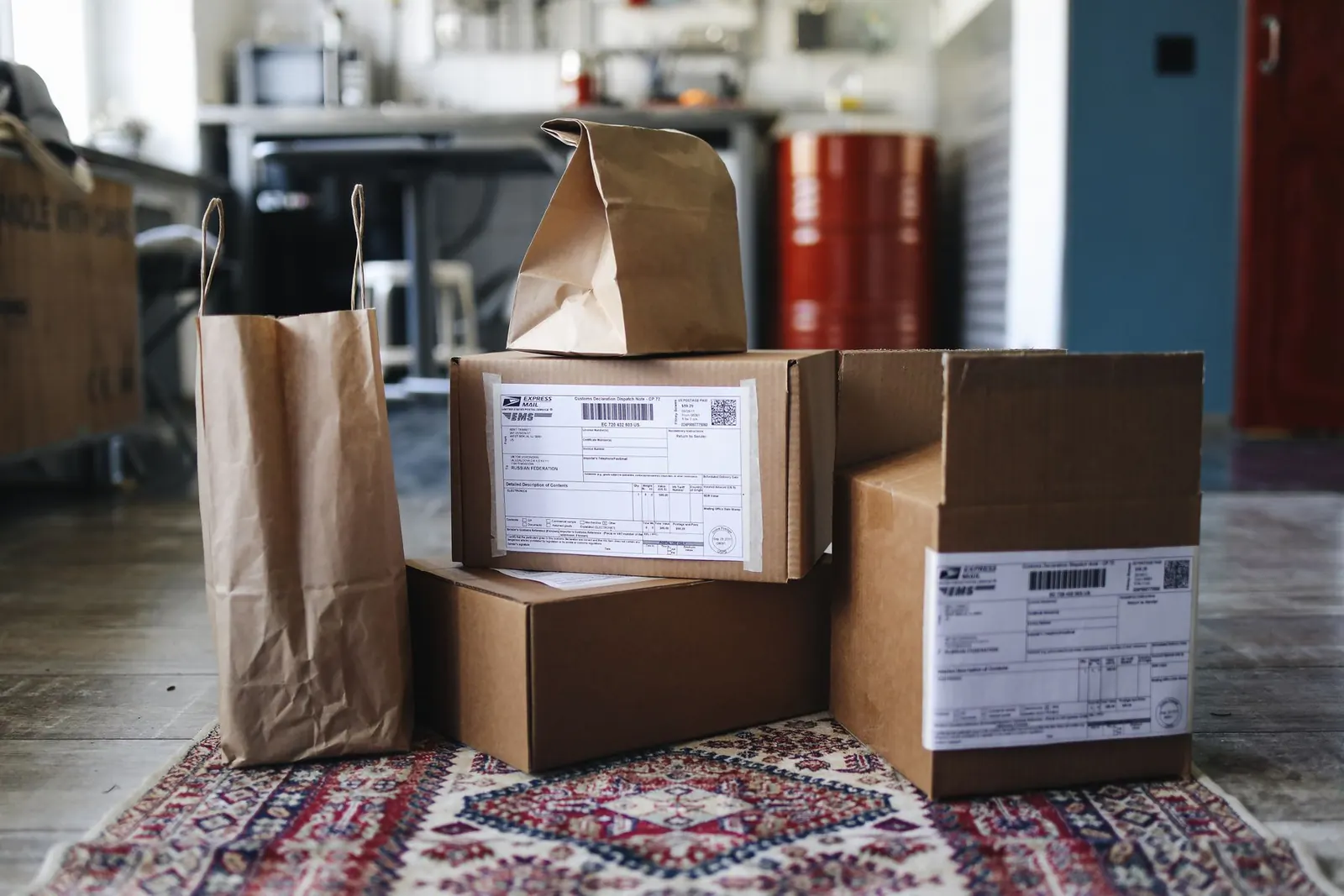
The limit is accuracy. A mockup shows how a design should look. If the printed item, the fabric or the color turns out differently, the image no longer matches what the customer receives.
What a product photo is
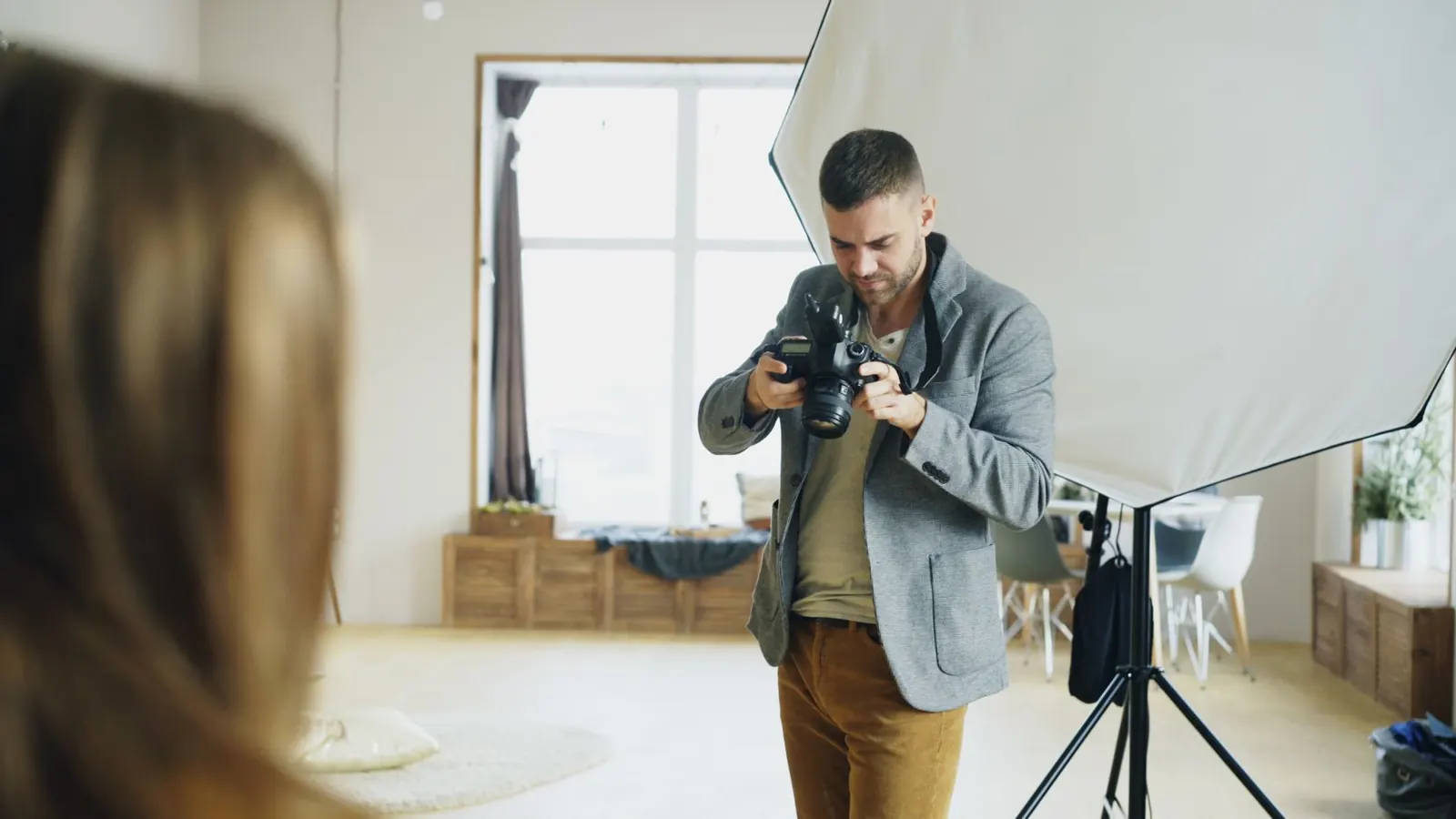
A product photo shows your actual item. It can be a clean studio shot on white, a lifestyle photo in a real setting, or a photo created with AI tools from pictures of your real product and then retouched by editors.
Product photos make sense when:
- You have the physical product in hand.
- A marketplace requires real photos, such as Amazon main images.
- Details matter, like texture, stitching, scale or what is in the box.
- You want to build trust with returning customers and reviews.
The cost is higher than mockups, and you need the product first. A studio shoot is often the most expensive option. AI product photography sits in between: you send a few photos of your real product and get many finished images in different scenes, starting at $249 for 100.
A simple way to choose
Ask yourself three questions.
Do you have the product yet? If not, mockups are the only option. Use them to test demand, take pre-orders or pitch the idea.
Where will the image be used? Marketplaces have strict rules for main images. Ads and your own store are more flexible. Social posts and pitch decks are the most flexible.
What does the customer need to see? If they need to judge texture, fit or scale, show the real product. If they mostly need to understand the design or the idea, a mockup can do the job.
Using both at different stages
Many stores use both, one after the other.
- Before stock. Mockups show the design on products and in scenes. You test interest with a landing page, social posts or small ads.
- When samples arrive. You check the real product against the mockups. If colors or details differ, update your images before selling.
- When selling. You switch the main images to real product photos and keep a few mockups or lifestyle scenes where they still match reality.
- When scaling. You add more lifestyle images and short videos so ads stay fresh.
This way you spend little before you know a product sells, and more once it does.
Mockups for print on demand
Print on demand stores print each item after an order, so you often never hold stock. Mockups are standard here. To keep them honest:
- Order a sample of your best sellers and compare it with your mockups.
- Use mockup templates that match your supplier's actual products and colors.
- Mention printing methods and possible small color differences on the product page.
- Show a real photo once you have one, especially for your best sellers.
Mockups for packaging and branding
Before you order packaging, mockups let you see your label on a jar, your logo on a box or your design on a bag. You can compare options, show them to a few customers and fix problems that would be expensive to reprint. Our store branding kit includes mockups of the new brand on your products and packaging.
What it costs
Prices vary a lot, so here is how they compare at BabaMake:
- Product mockups: from $29 for 3 mockups, $69 for 10 and $149 for 30. Delivered in 2 to 5 business days. See product mockups.
- AI product photography: from $249 for 100 finished images of your real product, retouched by professional editors.
- A studio shoot: usually more, depending on the studio, the number of products and the styling.
Whatever you choose, make sure you get commercial use rights and files sized for your store, ads and social platforms.
Common mistakes
- Using mockups that look nothing like the real product. This leads to returns, bad reviews and chargebacks.
- Using mockups where real photos are required. Check marketplace rules before you upload.
- Using the same supplier photos as every other store. Shoppers notice, and it makes your store look like a copy.
- Too many different styles. Pick a consistent look so your store feels like one brand.
- Forgetting mobile. Most shoppers see your images on a phone, so check them small.
The bottom line
Mockups are fast and cheap, perfect for testing designs, print on demand and branding before stock exists. Product photos show the real thing and are needed when details and marketplace rules matter. Start with mockups to learn what sells, then switch to real product photos once you have samples, and keep every image honest about what the customer will receive.