Photos · 5 min read
Product photos for Amazon and online marketplaces: a seller's guide
How to make product photos that meet marketplace rules and help sell: main images, lifestyle shots, infographics, sizes and where AI product photography fits.
Published

On an online marketplace, your photos do the job a shop assistant would. Customers cannot touch, turn or try your product. They decide largely on what they see. Good photos can be the difference between a sale and a scroll past.
Here is how to build a strong set of product images for Amazon and other marketplaces.
Know the rules first
Every marketplace has image requirements, and some categories have their own. Common rules for main images include:
- A pure white background.
- The product filling most of the frame.
- No added text, logos, watermarks or borders on the main image.
- Only the product that is included in the sale.
- A minimum size that allows zooming.
Rules change, so check the current guidelines for your marketplace and category before you shoot. Images that break the rules can be suppressed, hiding your listing.
The image set that sells
Think of your images as a short story that answers a buyer's questions.
1. Main image. Clean product on white. Clear, sharp and well lit. This is what people see in search results.
2. Other angles. Back, sides, top, bottom. Show everything a buyer would check in a shop.
3. Close-ups. Materials, texture, stitching, buttons, ports, labels. Details build trust.
4. Lifestyle images. The product in use or in a natural setting. Help people picture it in their life.
5. Size reference. Show the product in a hand, next to a common object or with dimensions.
6. Infographic. Key benefits, features or dimensions with short text and icons, where allowed.
7. What is in the box. Every item included, laid out clearly.
8. Video, if the marketplace supports it. Short clips showing the product in action.
How to shoot clean product photos
You do not always need a studio. For many products, this works:
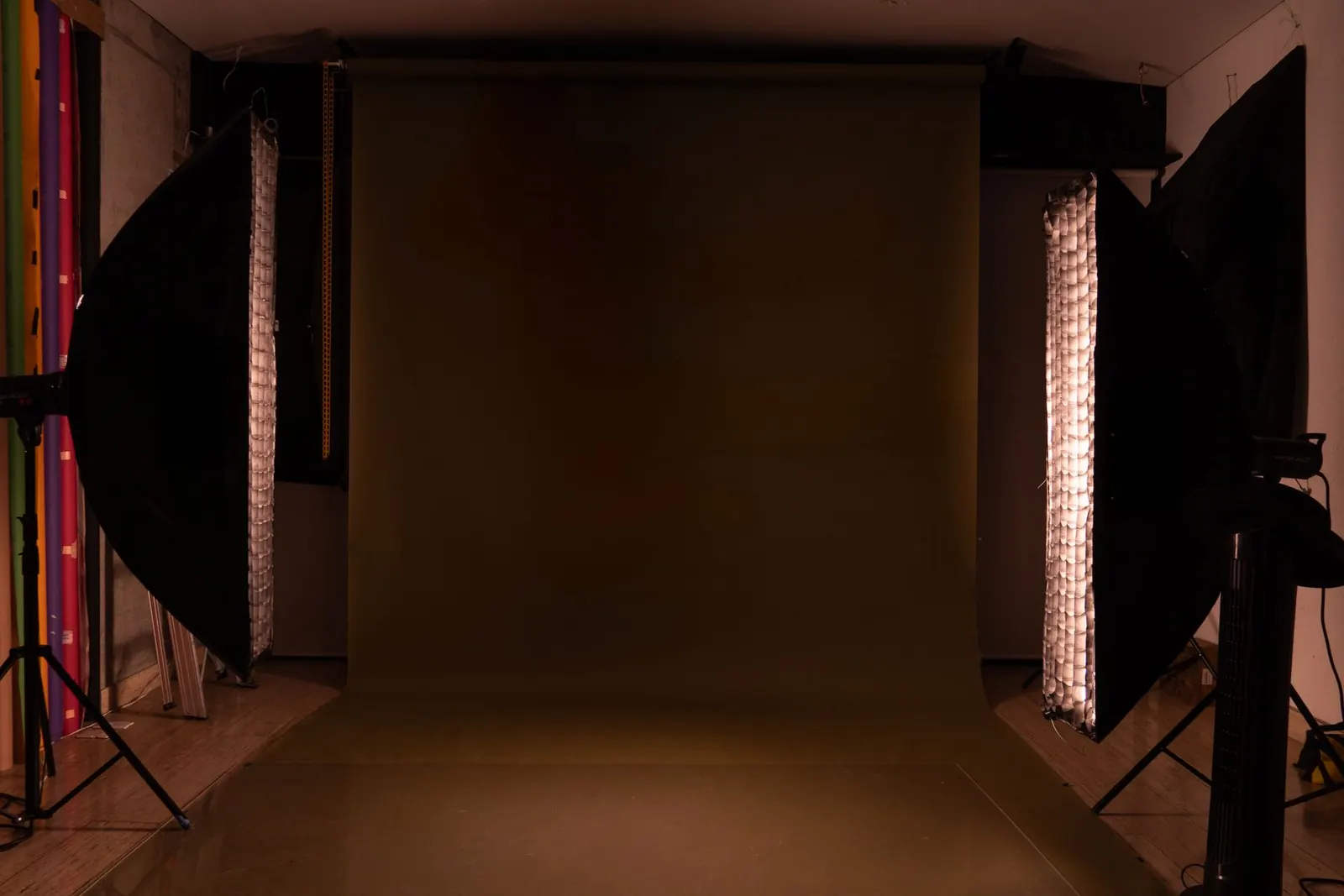
- Light: a large window with indirect daylight, or two soft lights.
- Background: a white sweep of paper or a light tent.
- Camera: a modern phone or camera on a tripod.
- Angles: shoot slightly above eye level for most products.
- Editing: adjust white balance so whites look white, crop consistently and remove dust.
For the pure white background many marketplaces require, background removal and careful retouching are usually needed.
Where AI product photography fits
AI product photography is especially useful for:
- Lifestyle images without arranging a location or props.
- Seasonal variations for holidays and sales.
- Consistent sets across many products.
- Ad creatives in different scenes and formats.
The important part is accuracy. The product should look exactly like what the customer receives. Good AI product photography starts from your real product photos and keeps the product unchanged, with professional editors retouching the shadows, reflections and edges so the scene looks natural.
Our AI product photography service creates photorealistic images retouched by professional editors, from $249 for 100 images, with monthly plans for regular needs.
Making infographics that help
Good infographics:
- Use few words, large text and simple icons.
- Highlight three to five key benefits.
- Show dimensions clearly.
- Match your brand colors.
- Are readable on a phone screen.
Bad infographics cram in tiny text, make unverifiable claims or look cluttered.
Mobile first
Most marketplace shoppers browse on phones. Check every image at phone size:
- Is the product clear and recognizable?
- Can you read any text?
- Do details show when zoomed?
Test and improve
Marketplaces and ad platforms let you see how listings perform. Try changing one image at a time, especially the main image and the first lifestyle image, and compare results over a few weeks.
Common mistakes
- Dark, yellow or blue-tinted photos.
- Products that look different from reality. This leads to returns and bad reviews.
- Cluttered backgrounds in lifestyle shots.
- Inconsistent styles across products in the same store.
- Too few images. Every empty slot is a missed chance to answer a question.
- Ignoring rules, which can get listings suppressed.
Build a simple shot list
Before any shoot or AI session, write a shot list for each product. It saves time and keeps your store consistent:
- Main image on white, front view.
- Back and side views.
- Two or three detail close-ups.
- One or two lifestyle scenes.
- A size reference.
- Everything included in the box.
- An infographic with key benefits.
Name your files clearly, for example "mug-blue-main.jpg" and "mug-blue-lifestyle-kitchen.jpg", so uploading and updating listings is easy. Keep the original, unedited photos too. You will need them if marketplace rules change or you want new scenes later.
Think about returns
Photos do not only win sales. They also prevent returns. When the color, size and materials are shown clearly, fewer customers are surprised when the parcel arrives. Show the product next to a common object, use accurate color, and include the details people ask about in reviews. If buyers keep asking the same question, answer it with an image.
Mistakes that cost sales
Sellers often lose sales to small, avoidable problems. A main image with a gray or cream background instead of pure white can be suppressed. Colors that look different from the real product lead to returns and poor reviews. Text baked into every image becomes unreadable on a phone. And a listing with only three photos looks less trustworthy than one that uses every slot the marketplace allows. Check each image on a small phone screen before you upload it.
The bottom line
Great marketplace photos follow the rules, answer buyer questions and show the product honestly. Start with a clean main image, add angles, details, lifestyle shots, a size reference and an infographic. Use AI product photography for lifestyle variety and consistency, always keeping your product accurate.
Building your own store too? Read our guide on planning an online store.