Security · 5 min read
Account security for small businesses: 2FA, passkeys and good habits
Simple account security for small businesses: password managers, two-factor authentication, passkeys, recovery codes and team access, explained plainly.
Published
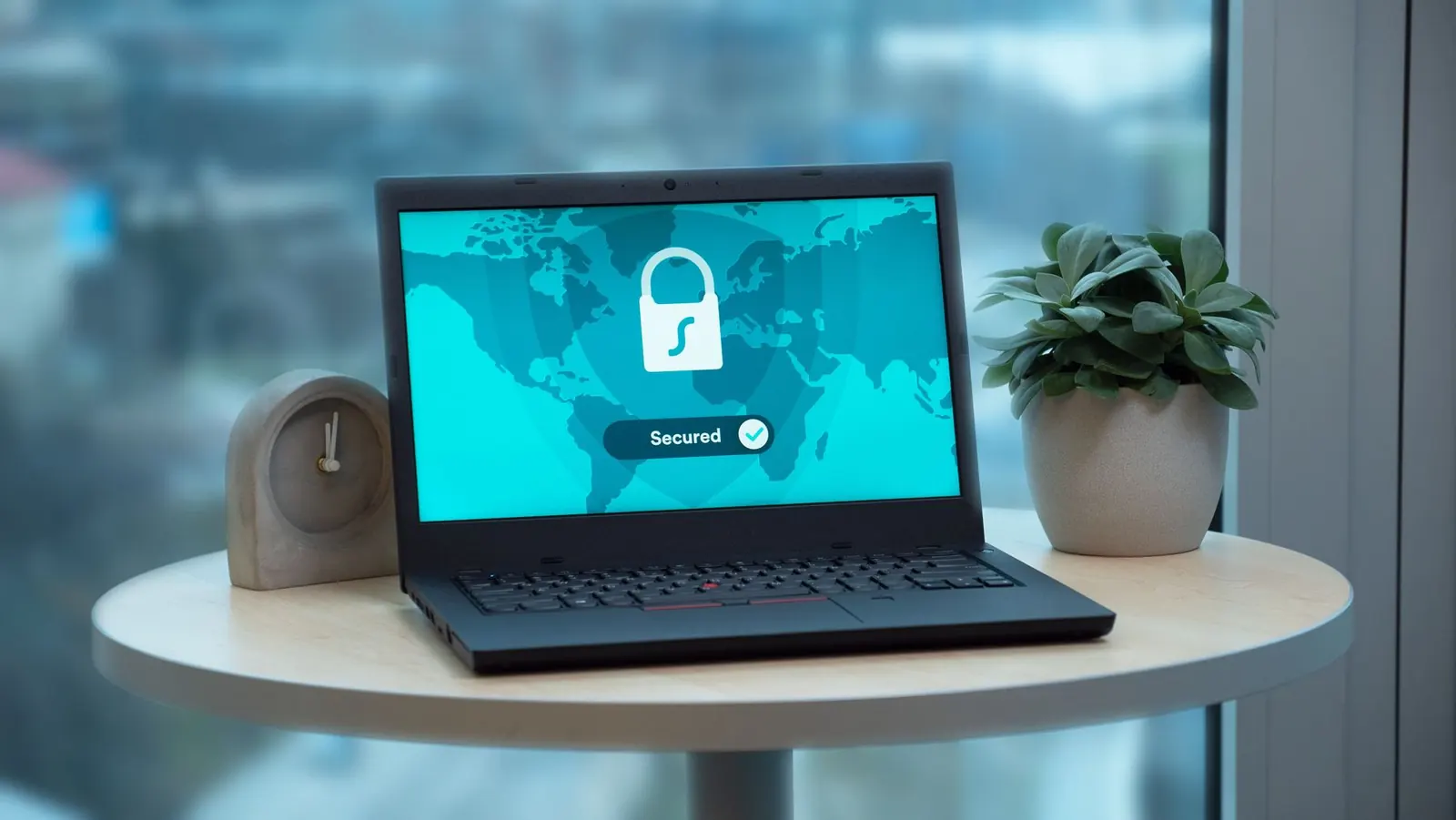
Most small businesses do not get hacked by geniuses. They get hacked through a reused password, a convincing fake login page or a former employee who still has access. The good news is that a few simple habits stop most of these problems.
Here is a plain-language guide to keeping your business accounts safe.
Start with your email
Your email is the master key. If someone gets into it, they can reset passwords for your social media, bank, website, domain and payment accounts. Protect it first:
- Use a long, unique password.
- Turn on two-factor authentication or a passkey.
- Check the recovery phone number and email are current and yours.
- Review forwarding rules. Attackers sometimes add a hidden rule to copy your email.
Use a password manager
Nobody can remember dozens of strong, unique passwords. A password manager does it for you. It:
- Creates long random passwords.
- Fills them in automatically on the right website, which also protects you from fake look-alike sites.
- Lets you share specific logins safely with team members.
- Warns you about reused or leaked passwords.
Pick a well-known manager, protect it with a strong master password and two-factor authentication, and move your important accounts into it first.
Turn on two-factor authentication
Two-factor authentication, or 2FA, means signing in needs something you know (your password) plus something you have (your phone or a key). Even if someone steals your password, they cannot get in without the second step.
Options, from good to best:
- Text message codes. Better than nothing, but vulnerable to SIM swapping.
- Authenticator apps. Codes generated on your phone. Much stronger.
- Security keys. Small physical devices you plug in or tap. Very strong.
- Passkeys. Built into modern phones and computers. Strong and easy.
What passkeys are and why they help
A passkey replaces your password with your device. When you sign in, your phone or computer asks for your fingerprint, face or PIN, then proves to the website that it is really you.
Why they are great:
- Nothing to steal. There is no password to leak.
- Phishing resistant. A passkey only works on the real website, so fake login pages get nothing.
- Easy. No typing or codes.
Many major services, including Google, Apple, Microsoft and several social and payment platforms, now support passkeys. Turn them on where you can.
Save your recovery codes
When you turn on 2FA, most services give you backup or recovery codes. If you lose your phone, these are your way back in. Print them or store them in your password manager, and keep a copy somewhere safe and offline.
Give your team their own access
Sharing one login is convenient and risky. You cannot tell who did what, and you cannot remove one person without changing the password for everyone.
Instead:
- Use team or role features in each platform, such as business managers, admin roles and shared inboxes.
- Give each person only the access they need.
- Remove access the same day someone leaves.
- Keep at least two trusted owners on critical accounts so you are never locked out.
Spot phishing
Phishing is the most common way accounts get taken. Watch for:
- Messages saying your account will be deleted, suspended or verified.
- Fake brand partnership offers asking you to log in.
- Invoices or delivery notices with unexpected links.
- Urgent requests from "your boss" or a supplier to change bank details.
The rule: never log in from a link in a message. Open the app or type the website address yourself.
Protect your domain and website
Your domain name is a critical asset. Make sure:
- It is registered in your name, with your email.
- Auto-renew is on and the payment card is current.
- Registrar lock is turned on.
- Your registrar account has 2FA.
For your website, keep software and plugins updated and use unique admin passwords.
Keep software updated
Updates fix security holes. Turn on automatic updates for your phone, computer, browser and apps.
Make a simple security checklist
Review these every few months:
- Are 2FA or passkeys on for email, banking, social, domain and payment accounts?
- Are recovery details current?
- Who has access, and do they still need it?
- Are there logged-in devices you do not recognize?
- Are backups working?
- Are recovery codes stored safely?
If something goes wrong
If an account is taken over, act fast and use only official recovery tools. Our guide on what to do if your Instagram is hacked covers the steps, and most apply to other platforms too.
Our account recovery help guides verified owners through the official process. We never hack or bypass security.
Want someone to keep an eye on it?
Our security checkup plans start at $9 a month. We walk you through 2FA and passkeys on your important accounts, review access and recovery settings, and remind you to check things regularly. For businesses, we also review team access and domain security.
A 30 minute start
Short on time? Do these today: turn on 2FA for your email, install a password manager, change the password on any account that shares it with another, and save your recovery codes.
Mistakes we see most often
The most common mistake is protecting the shop account but not the email behind it. Whoever controls your email can reset almost everything else. The second is saving recovery codes in the same email inbox they are meant to rescue. Print them or keep them in your password manager instead. The third is sharing one login across a team, which makes it impossible to remove a person cleanly when they leave.
The bottom line
Good security is mostly good habits: a password manager, 2FA or passkeys everywhere that matters, saved recovery codes, separate team access and a healthy suspicion of links. Start with your email today, then work through the rest.