Apps · 2 min read
How to write an App Store listing that gets downloads
Lead with what the app does and who it is for, keep titles short, and show real screens first. The listing should match the app people then go on to download.
Published
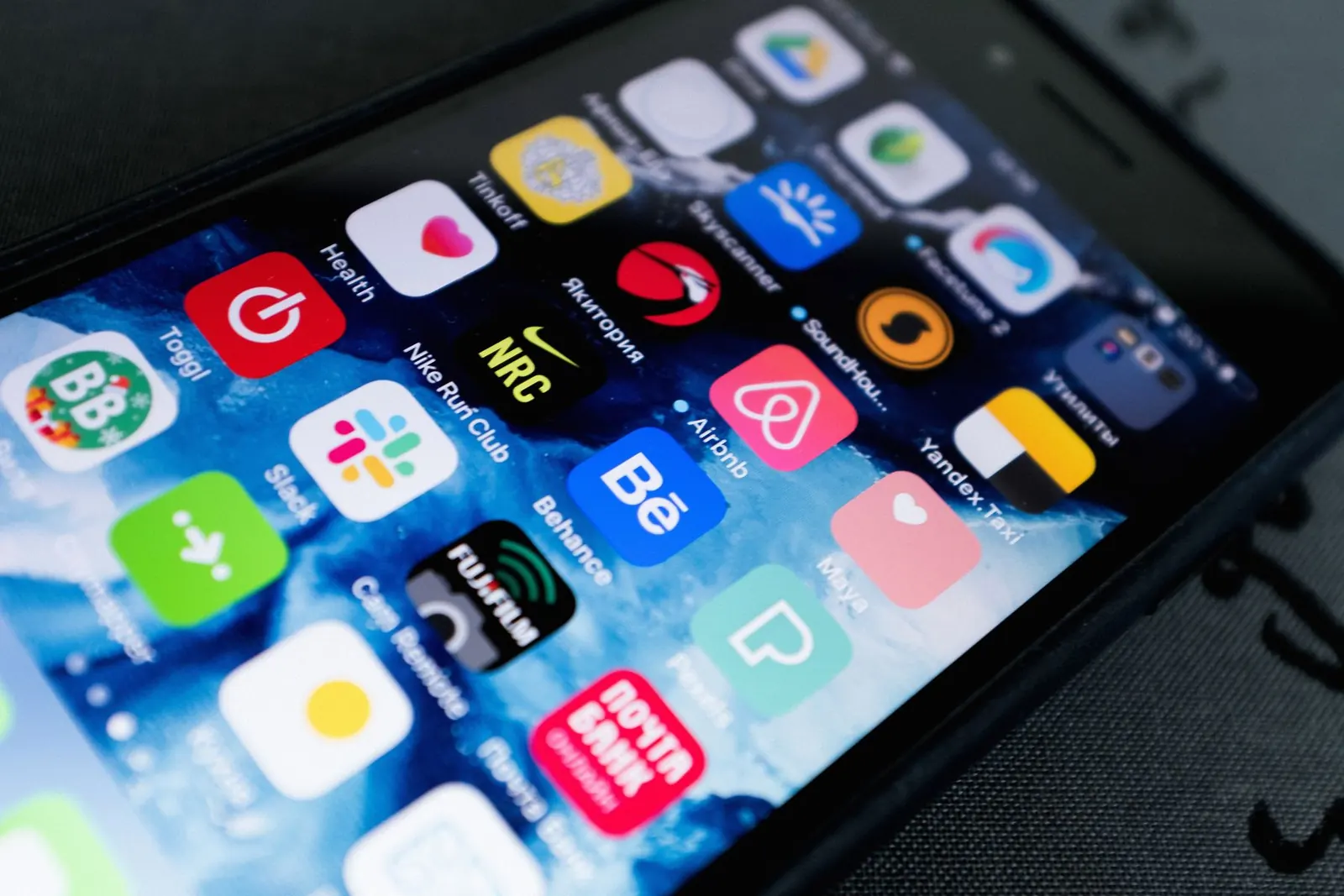
A strong app store listing states what the app does and who it is for, in words short enough to read in a search result. Then it shows real screens, not a poster of a phone floating in space. The listing should match the app, because a misleading page creates one-star reviews from people who downloaded the wrong thing.
You are writing for a tired person scrolling with one thumb.
Titles and subtitles have a job
Store titles are short, so put the useful words first. The name can be distinctive, but the subtitle or short description should say the function: "invoice tracker for freelancers," "shift planner for small cafes." Do not spend those characters on a slogan.
Inside the long description, open with the same promise, then walk through the main tasks. Use short paragraphs. Save the feature list for after the reader knows the point of the app.
Avoid claims you cannot support, and avoid stuffing the same keyword into every sentence. It reads badly, and stores are not fond of it either.
Screenshots do more than paragraphs
The first two or three screenshots must explain the app without audio. A real screen, a short caption, and a visible main action beat a glossy collage. Show the empty state honestly if that is what new users see. Show the result of the work, not only the settings menu.
Preview videos can help, but they should not be the only way to understand the product. Many people will not press play.
BabaMake App Store listing help starts at $49, including the store text and the way the screenshots are ordered.
Keep the listing in sync
When the app changes, update the listing in the same week. A screenshot of an old layout is a small thing that quietly reduces trust. After a release, read the first reviews and fix any line in the listing that set the wrong expectation.
If you are preparing a first listing, start a project and share the current build or a prototype of the main screens.