Airbnb Hosting · 3 min read
Cheap ways to get more Airbnb bookings
Practical, low-cost Airbnb improvements that lift search clicks and bookings: cleaner photos, sentence-case titles, full amenity tags and smart discount rules.
Published
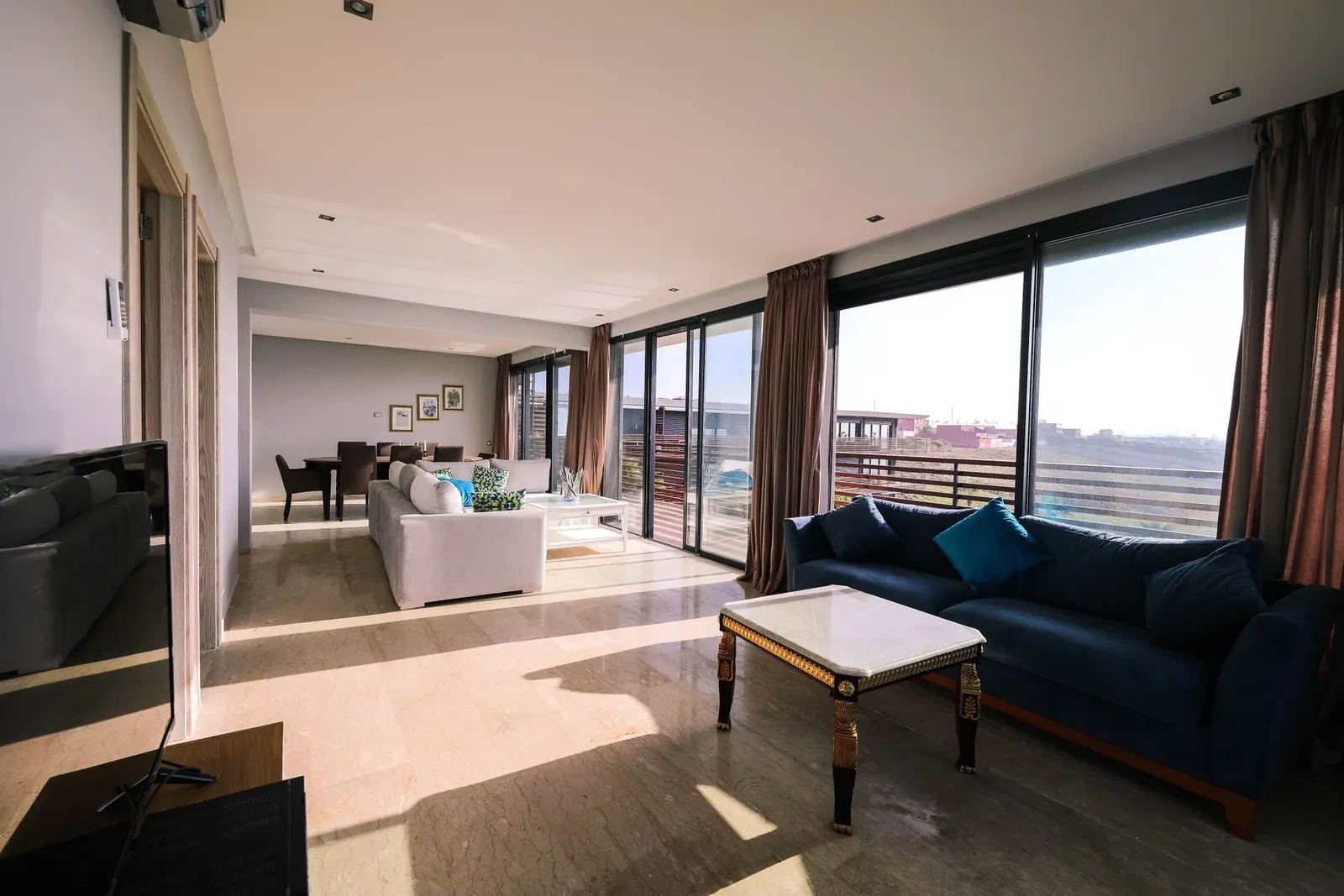
Most empty nights on a solid Airbnb do not come from needing a costly remodel. They come from small friction points in search results: dark cover photos, missing amenity filters, a cluttered title or awkward minimum-stay gaps.
Here are the lowest-cost fixes that actually move the needle before you spend real money on furniture.
1. Fix your cover photo and first five shots
Guests scroll fast on mobile. If the first image is crooked, yellow from indoor bulbs or shows half a hallway, they keep scrolling.
- Shoot during bright daylight with overhead yellow lights turned off.
- Clear counter clutter, cords, trash bins and personal toiletries out of frame.
- Put your strongest room (usually the living area or main bedroom) first, followed by the next best four shots that show how guests will actually live in the space.
- Organize every photo into Airbnb's room-by-room photo tour so guests can confirm sleeping arrangements quickly.
If your photos are already taken on a good phone, light color and brightness cleanup often fixes most of the dullness without hiring a photographer.
2. Rewrite your title for mobile search
Airbnb already prints your city, property type, bed count and star rating right below your photo in search cards. Repeating "2BR Apt in Downtown!" wastes space.
Following Airbnb's own listing title guidelines works best:
- Keep the title under 50 characters so mobile does not cut it off.
- Use sentence case (capitalize the first word and proper nouns, not all caps).
- Skip emojis and repeated punctuation marks like
!!!or***. - Highlight one concrete reason to pick your place, such as
Sunny loft with fast Wi-Fi and balconyorQuiet garden studio near the metro.
3. Tick every amenity you truly offer
Search filters are brutal. If a traveler filters for dedicated workspace, washer, free parking or self check-in and you forgot to check the box, your listing disappears from their results completely.
Walk through all amenity sections in your host dashboard once, including safety items (smoke alarm, carbon monoxide alarm, first aid kit) and work-friendly details (desk, chair, verified Wi-Fi speed). Never tick something you do not reliably provide.
4. Set clear pricing floors and fill orphan nights
Instead of slashing your base nightly rate across the whole year:
- Compare nearby active and booked listings on Airbnb's Similar Listings map.
- Keep weekday rates realistic and price Friday and Saturday higher where weekend demand spikes.
- Watch for unbookable 1-night or 2-night gaps between longer stays; lowering minimum nights on orphan gaps only lets those nights sell without discounting peak weekends.
- If the listing is brand new, Airbnb's New Listing Promotion (20% off your first 3 bookings) helps build those crucial first reviews faster.
5. Cheap physical upgrades guests mention in reviews
When you do spend $30 to $150 on the space, spend it on items guests notice within five minutes of walking in:
- A smart keypad or lockbox for smooth self check-in.
- Crisp white cotton sheets and two pillow firmness options per guest.
- Blackout curtains in bedrooms, especially in cities with streetlights.
- Long bedside phone chargers on both sides of the bed and a clear Wi-Fi card.
- Fresh hooks in the bathroom and entryway.
Skip heavy checkout chore lists too. Keeping checkout simple (lock up, turn off lights, leave towels in a pile) avoids last-minute frustration and protects your star rating.
Want a fast second pair of eyes? Our Airbnb listing setup, photo tidy and staging tips and cheap upgrade report start at $39.